Automatic Cover Letters for Every Job Application
By Scout Editorial Team · Published June 18, 2026 · Updated July 16, 2026
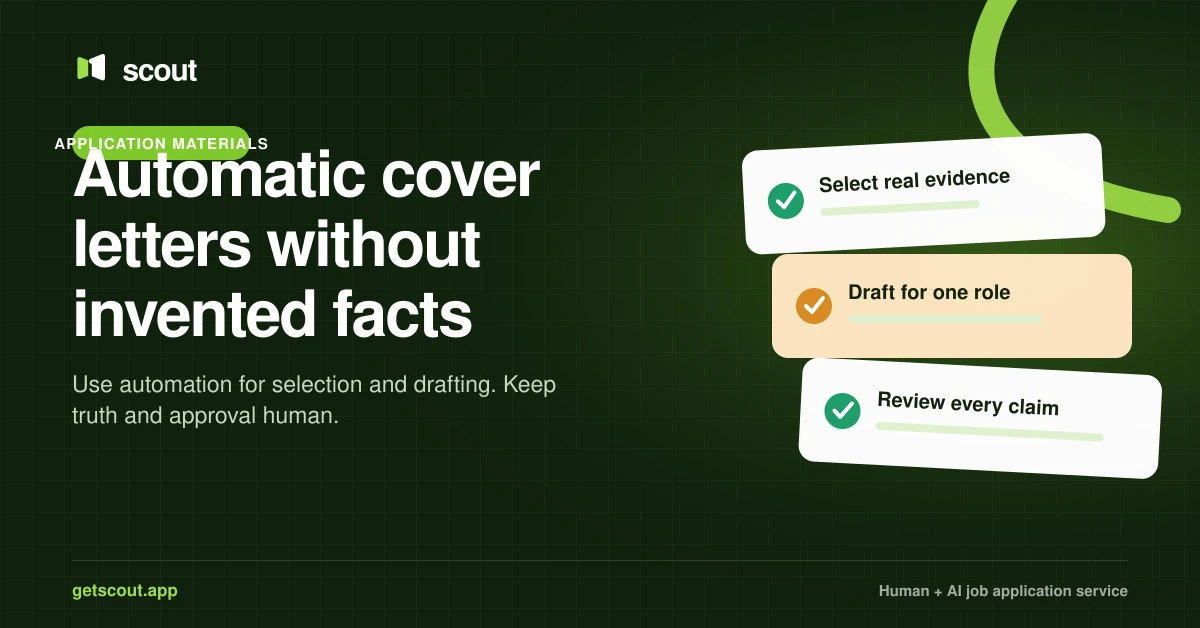
An automatic cover letter is useful when it creates a truthful first draft for one specific job—not when it sends the same template everywhere. The system should select relevant evidence from your real background, connect it to the role, and give you a chance to review anything uncertain.
Automation can reduce writing time. It cannot decide whether a claim is true, whether the tone sounds like you, or whether a cover letter is even useful for that application.
What should change from job to job?
A tailored cover letter does not need to be long. It needs to answer three questions:
- Why does this role make sense for you?
- Which one or two accomplishments show you can do the work?
- Why is this employer or problem worth your attention?
The role title, company context, selected accomplishments, and vocabulary may change. Your employment history, qualifications, dates, and results must not.
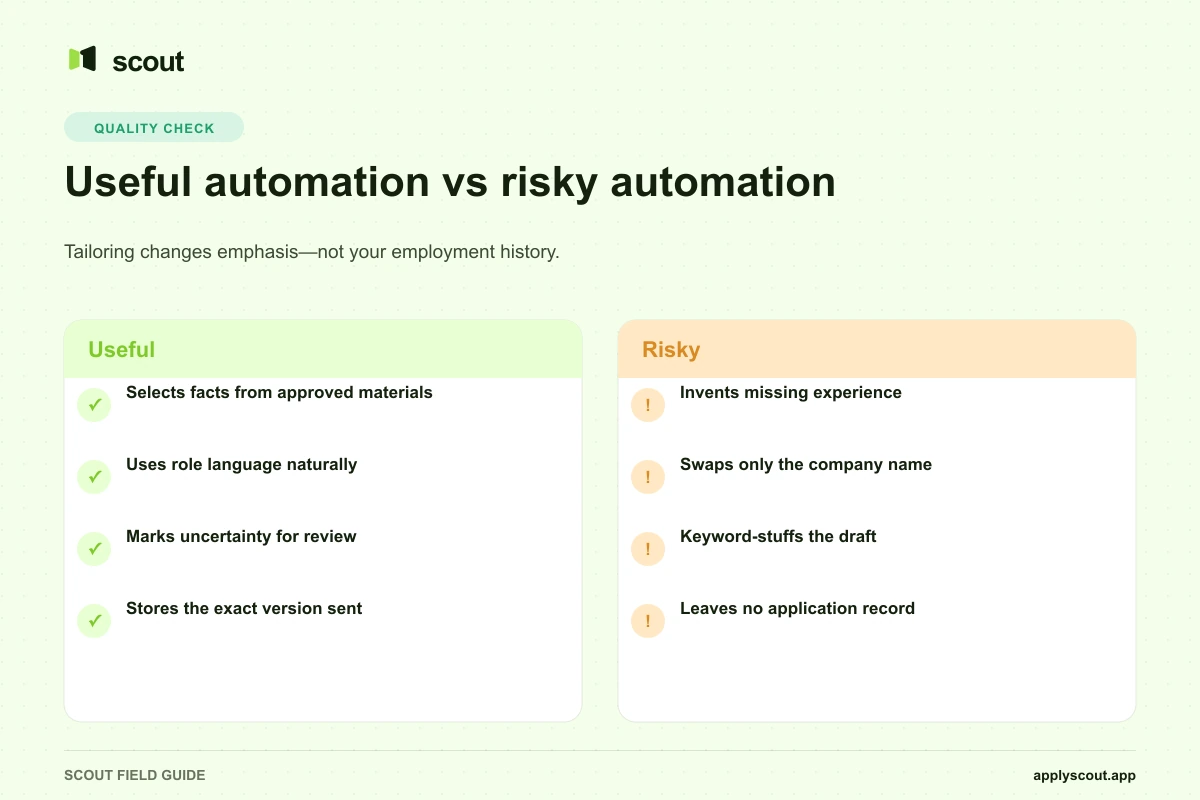
| Good automation | Poor automation |
|---|---|
| Selects relevant facts from your resume | Invents missing experience |
| Uses the employer’s terminology naturally | Repeats keywords unnaturally |
| Produces a concise draft for one role | Swaps only the company name |
| Marks uncertain details for review | Confidently guesses |
| Stores the version used | Leaves no record |
Why generic templates underperform
A generic letter forces the employer to work out why your experience matters. It often leads with broad statements such as “I am excited to apply” while hiding the evidence that could distinguish you.
The problem is not that a template is automatically rejected by an applicant tracking system. There is no universal ATS rule that rejects generic cover letters. The practical problem is relevance: a hiring team receives less useful information and has less reason to continue reading.
If a posting emphasizes customer onboarding and your strongest evidence is a 22% reduction in time-to-value, that result belongs near the top. If another role emphasizes operational reliability, a different accomplishment may be more useful. Tailoring is primarily selection and ordering.
When should you skip the cover letter?
A cover letter may not be worth generating when:
- The employer does not request or accept one.
- The form offers only a resume upload.
- You have no specific information to add beyond the resume.
- The application is time-sensitive and the letter would be generic.
- A short answer in the application already covers motivation.
Do not add a low-quality letter merely to complete an optional field. A concise, relevant note is better than a page of filler.
A safe automatic-cover-letter workflow
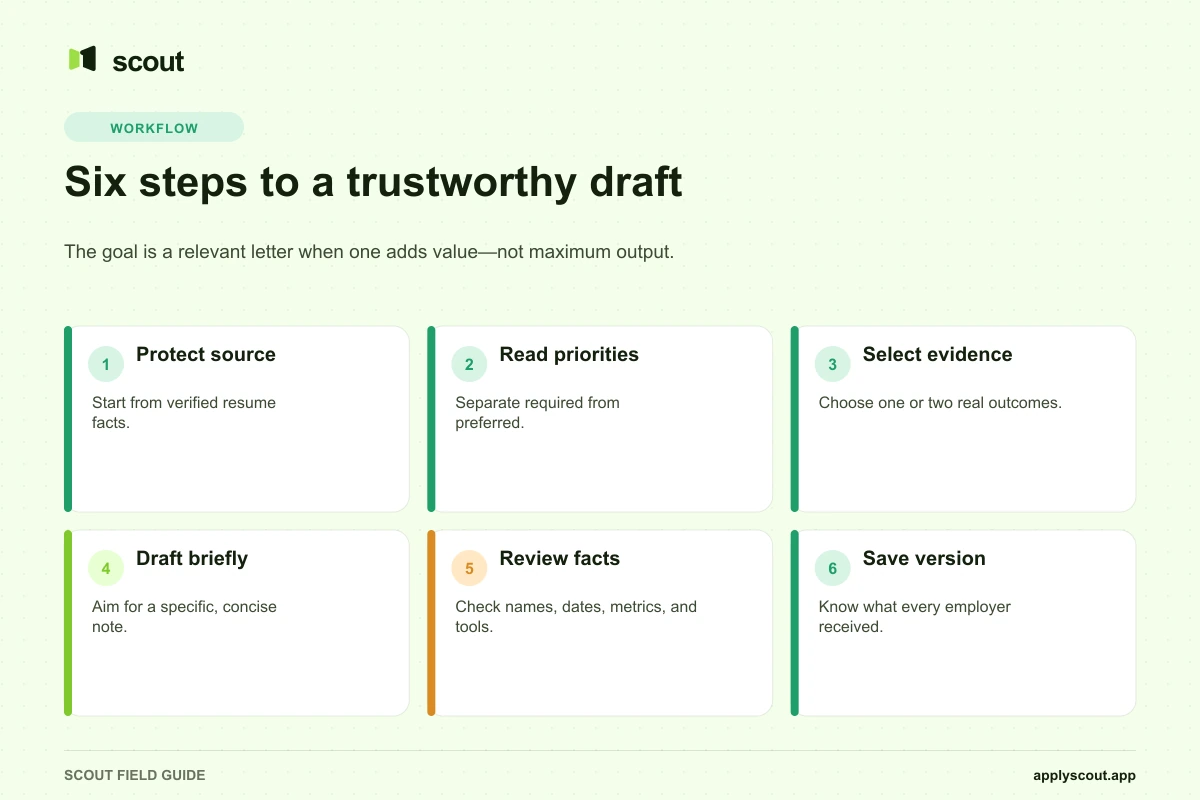
Step 1: Protect the source material
Keep an original resume and a structured record of your real accomplishments. Include enough context to prevent exaggeration: team size, date range, scope, tools, and measured result.
Step 2: Extract the role’s actual priorities
Separate required qualifications from preferred ones. Identify the work the person will perform, not only the keywords in the skills list.
Step 3: Select evidence before drafting
Choose one or two accomplishments that genuinely support those priorities. If there is no evidence, do not manufacture it. The correct output may be a weaker claim, a request for clarification, or a decision not to apply.
Step 4: Generate a short draft
Aim for roughly 150–250 words unless the employer asks for something different. Use plain language, a specific opening, evidence in the middle, and a direct close.
Step 5: Review factual and sensitive claims
Check employer name, role title, dates, metrics, tools, certifications, work authorization, and location. Remove claims that cannot be supported.
Step 6: Save the version
Record which letter and resume went to each employer. This matters when a recruiter calls weeks later and expects you to discuss the application they received.
How Scout handles application materials
Scout supports original and tailored resume workflows through job profiles. The service records the job, status, and resume used. Human Assistant plans add a dedicated assistant and more detailed application evidence; the AI Assistant provides a lower-cost, repeatable workflow.
The important control is not “AI wrote a letter.” It is whether the output remains connected to your approved background and the correct job profile. See how Scout works and the current plan comparison.
Questions to ask an automatic cover-letter tool
- Does it use only facts from my approved materials?
- Can it distinguish required from preferred qualifications?
- Does it show the draft before submission?
- What happens when my background does not support a requirement?
- Can I choose not to include a cover letter?
- Does it save the exact version used?
- Can I correct a fact once and update future drafts?
- Does it clearly separate my original resume from tailored copies?
Bottom line
The goal is not to generate the maximum number of cover letters. It is to make a relevant letter available when one will improve the application, without adding invented facts or slowing the search to a stop.
Use automation for selection, structure, and drafting. Keep truth, judgment, and final approval with the candidate.
Sources and methodology
This article was updated on July 16, 2026 to match Scout’s current Human and AI Assistant workflows. It avoids unsupported claims that applicant tracking systems universally detect or reject AI-written cover letters. Employer requirements vary, so the job posting and application form remain the controlling sources.